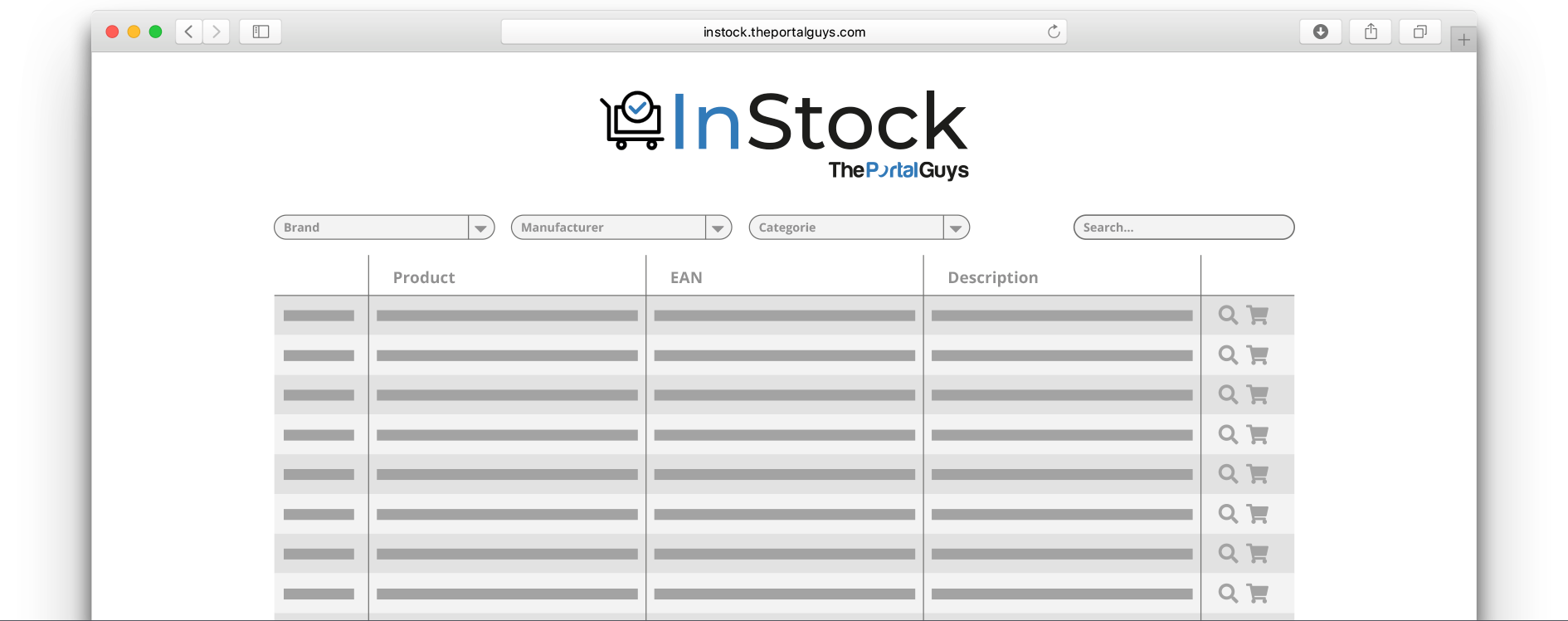
Clients look it up themselves.
InStock gives your clients 24/7 access to your items, stock and documentation. No more phone calls for product questions, no email rounds for MSDS sheets, no "let me check on that". They find it themselves, you get your time back.
24/7
Live ERP
Own domain
Your branding
EU-hosting

A portal that pays for itself.
InStock is built for one purpose: stop your team answering the same questions every day. Stock questions, price questions, product specs, documentation requests. All work the client can do themselves, in a secure environment, at their own pace.
Result: fewer time sinks in your inbox, more room for the work you're actually differentiated in. In 16+ years we've learned this is, for many wholesalers and distributors, the fastest portal investment to pay back.
3w
typically live
24/7
available to clients
16+
years of experience
What InStock actually does.
Six core functions, sharply defined. No endless feature list, just exactly what you need to let clients serve themselves.
Real-time stock
Current stock levels without anyone having to make a phone call. Clients see for themselves what's ready and what's temporarily out.
- Realtime
- Per locatie
- Alerts
- Indicatoren
Filters & search
Search by item name, EAN code, brand, category or description. Filters you configure up front based on your product attributes.
- Volledige zoek
- Filters
- Categorieën
- Merken
Online quotes
Clients request a quote directly for what they see. Including line validation, quantities and automatic routing to your sales team.
- Aanvragen
- Validatie
- Historie
- Sales direct
Product documentation
MSDS sheets, product sheets, certificates and user manuals linked to each item. Clients fetch them themselves, you don't have to email anymore.
- MSDS
- Sheets
- Certificaten
- Downloads
Client history
Past quotes, orders and viewed items are saved per client. Users log in and immediately see what they were working on last time.
- Per klant
- Offerte-log
- Order-log
- Saved items
Who InStock works for.
Four starting points where InStock has proven itself most. In all four, the same principle: a broad range, clients who ask regularly, and a team that would rather spend its time elsewhere.
International trade & FMCG

Branded goods, ordered by the pallet
For international trade in branded goods where customers order by the pallet. With InStock they see live prices and stock, and place their order themselves within set thresholds.
AES International
Food & ingredients
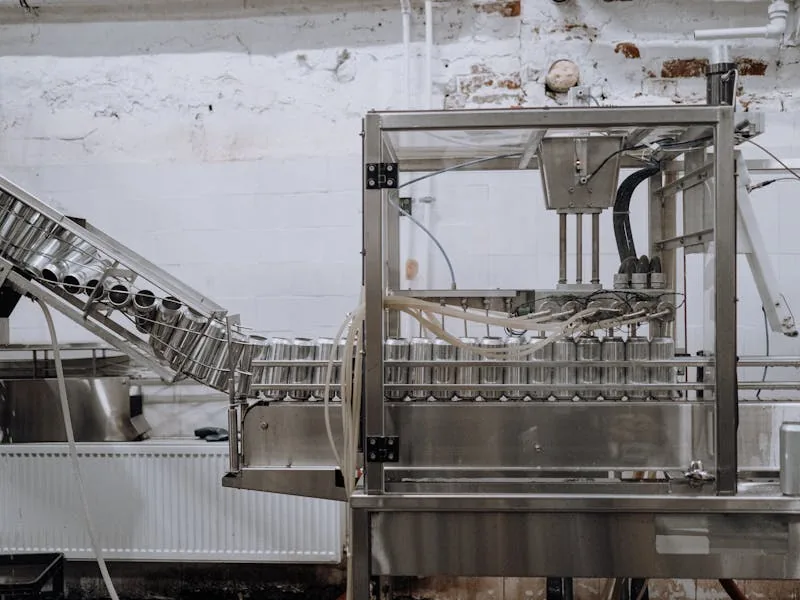
Allergens, labels and weights
For the food sector where every batch has different allergens and best-before dates. Clients see current stock per batch and fetch labels and certificates themselves.
ColdserviceBdairy
Parts & automotive
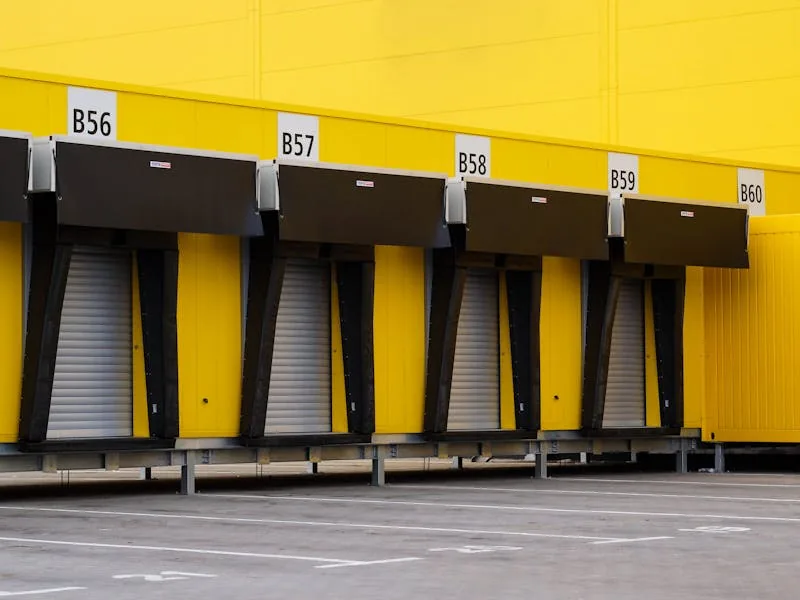
Product specs and compatibility
For automotive and machine parts where EAN codes and compatibility are decisive. Clients search by code, find the right item and stock status immediately.
2MOBILITY
B2B distribution
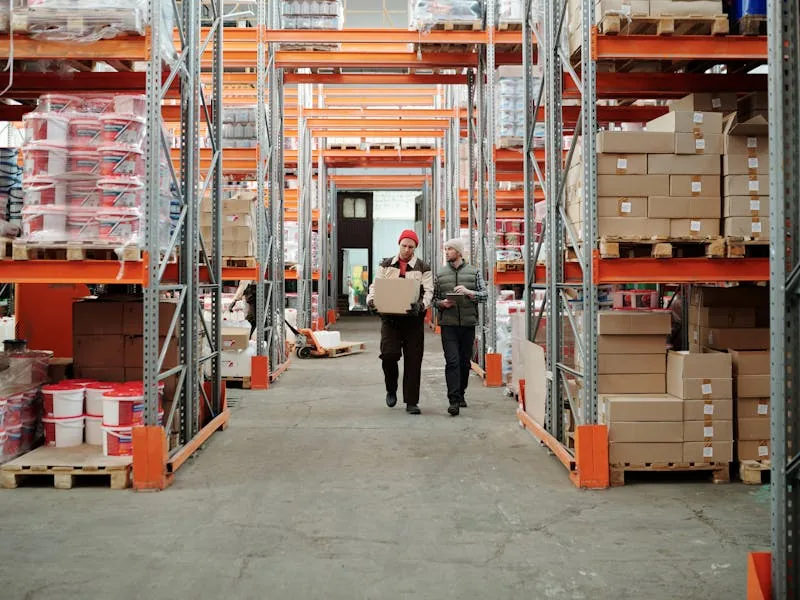
A dedicated ordering portal for dealers
For distributors who want to give their dealer network their own environment. Per-dealer pricing, history and quote flow.
Plus RetailBax-shop
InStock pulls, clients view.
InStock pulls data from your ERP and presents it to your clients in a secure environment. No extra databases, no parallel truth, no manual sync. What's in your ERP is what's in InStock, because it comes from there directly.
It also flows the other way: quote requests, downloads and usage data go back to you. So you don't just see what clients are doing, you can take concrete commercial steps based on it.
- One source of truth, in your ERP.
- No more manual synchronisation.
- Usage data routed back to your sales team.
What changes when InStock goes live?
Not abstract, just concrete, from the first day your client logs in.
Now
- Getting the same stock question five times a day by phone.
- Emailing out MSDS sheets and product sheets on demand.
- A dated product list that clients have to leaf through again.
- Clients who don't know which colour or size is in stock.
- Quote requests stuck in someone's inbox.
- Not knowing what your last delivery to a client was about.
With InStock
- Clients look it up themselves, the moment they have the question.
- Documentation directly downloadable per item, always recent.
- A live catalogue with images, attributes and search filters.
- Real-time stock per variant, with "almost out" indicators.
- Quote requests landing centrally, with client context.
- Client history visible to your team and the client themselves.
Client data stays with the client.
A portal with product data and quote requests is a target, even if the data itself isn't especially sensitive. We handle it properly, from the first line of code.
Password & MFA
You decide who sees InStock. Password-protected by default, two-factor authentication optionally per client group.
Clients see only their own data
Per client account you set which items, pricing and stock locations are visible. No cross-viewing between clients.
Audit on requests
Every quote request and download is logged with timestamp and user. Always explainable after the fact.
EU hosting & GDPR
EU hosting, encryption at rest and in transit, data processing agreement and retention policy fixed up front.
Plugs into your ERP.
Out-of-the-box integrations with the well-known ERPs. Different source? Then we connect it, in almost all cases.




From demo to first client live.
A steady rhythm so you know where we stand. With a standard setup you're ready in 3 weeks.
01
Demo & fit check
Half an hour online or one hour on site. We show InStock on a comparable case and check whether it fits your range and client base.
02
Connect your ERP
We connect InStock to your ERP, pull in product data and stock, and set up filters and attributes based on your range.
03
Branding & domain
Logo, colours, typography and your own domain (instock.yourcompany.com). InStock feels like your brand, not an external tool.
04
Invite your clients
Phased rollout of access. First a test group, then broad. We onboard the first clients and watch the usage data so we can fine-tune.
05
Evolution
A new filter dimension, an extra report, an improved search, small extensions are processed in iterations. Maintenance and updates under SLA.
After go-live we stick around.
Delivering a portal isn't the end, it's the real start. That's when the first clients walk in and you find out where it pinches. We stay available intensively for the first months, and structurally after under SLA.
Concretely: a single point of contact, SLA response, monitoring that alerts us before your client notices, and evolution based on what we see in the usage data.
- A single point of contact, no ticket-system roulette.
- Monitoring on uptime, performance and sync status.
- Regular updates with release notes up front.
- Evolution based on usage data.
- Roadmap sessions twice a year.

Frequently asked questions.
What we hear most often at a first meeting. Honestly answered.
Do quote requests land directly in our system?
Yes. Quote requests come in via a central overview, plus optionally as a notification to your sales team or directly into your ERP/CRM. We connect it to what you're used to.
Wat kost een koppeling of portaal?
Dat hangt af van de stromen, systemen en schermen die meedoen. Na de gratis proces-scan krijg je een fixed-fee offerte: één vast bedrag voor een afgesproken scope. Geen uurtje-factuurtje met open eind en geen meerwerk-discussies achteraf.
Hoe lang duurt het voordat het live staat?
Een gangbare koppeling tussen twee systemen staat in 4 tot 6 weken op productie. Zwaardere trajecten, bijvoorbeeld met SAP, meerdere administraties of een datamigratie, lopen tot 8 weken of langer. Wat voor jou geldt, zie je vooraf terug in de planning.
Which ERP does InStock work with?
Out of the box with AFAS, Exact, SnelStart, SAP, Oracle, Microsoft Dynamics 365, Business Central and e-Boekhouden. If your ERP has an API or file format (CSV, XML, JSON), we can almost always connect to it.
Can we show different prices per client?
Yes. Per client account you set which price list or volume tier is visible. Dealer-specific conditions, volume discounts or contract pricing, all configurable without clients seeing each other's prices.
What if our range changes frequently?
No problem. InStock syncs with your ERP several times a day by default. New items appear, old ones disappear or are flagged. More frequent syncing is possible, up to real-time.
How do client accounts work?
You create one main user per client. That client then creates their own users, permissions and access to specific product groups. Admin sits with the client, you don't have to be in the middle.
Does InStock work on mobile?
Yes, responsive is built in. We test on iOS Safari and Android Chrome on every release. For clients on the warehouse floor wanting to scan an EAN, we can build a light mobile variant with scanner support.
Is it GDPR-proof?
Ja. Encryptie at rest en in transit, EU-hosting en een verwerkersovereenkomst horen er standaard bij. We verwerken alleen de gegevens die functioneel nodig zijn en hanteren heldere bewaartermijnen.
Time for your own InStock.
Half an hour online or an hour on site. We show InStock on a setup that resembles yours, and give you an honest read on whether it fits.