

Skip to content
Back to cases Order portal · Connected to SAP

Placing an order, from ten minutes to twenty seconds.

For Jumbo Diset we built an employee order portal on top of SAP. The heavy, time-consuming order process became light, fast and reliable: one clear screen where the employee mainly just checks and sends.

Friends playing a colourful board game together
Jumbo Diset
Client Jumbo Diset
System Order portal on SAP
Solution Employee order portal
Impact About 97% faster ordering
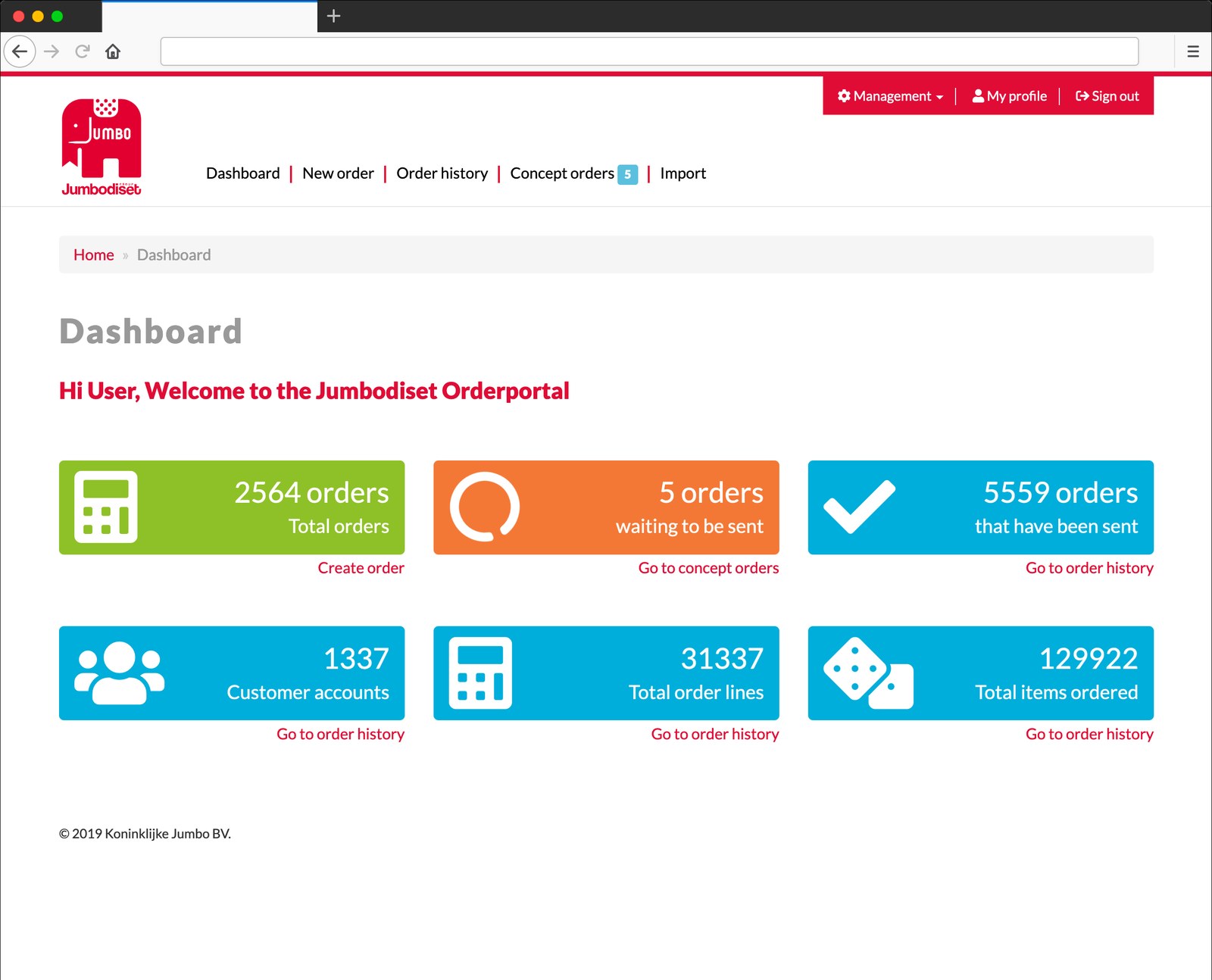
Dashboard of the Jumbo Diset order portal
From ten minutes and many manual steps to one clear order screen
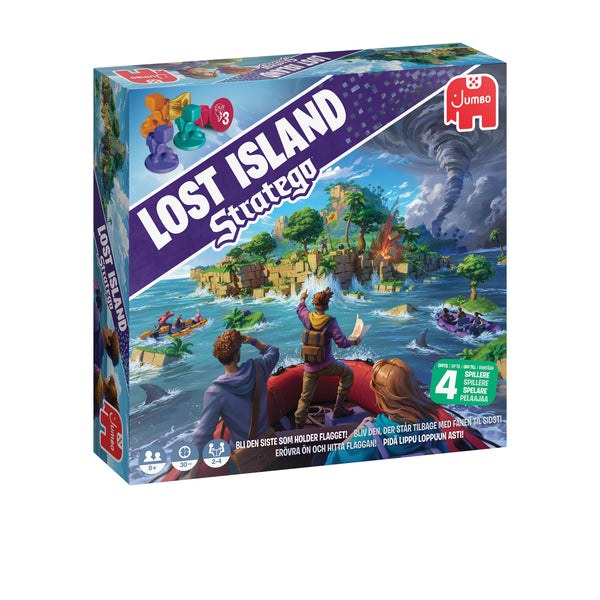
A game from the Jumbo Diset range
Customer selected? Address, terms and agreements are ready right away
Starting point

Placing orders had to be faster and more accessible, without complex screens.

Placing orders had to become much faster and more accessible for employees, without having to work through complex screens or processes. Entering an order required many manual steps, checks and knowledge of the underlying system.

As a result, an order took about ten minutes. Much of that time went into looking up, retyping and checking, work the system could just as well do itself once the customer and the items were known.

Built

One screen that brings the key order actions together.

The employee picks customer, items, quantities and delivery date. The rest is already there or filled in automatically.

One clear order screen

When a customer is selected, name, billing address, delivery address, payment terms, ordering agreements and shipping instructions are fetched automatically. You find items by item number, EAN, customer item number or description, after which the right data fills in by itself. Mostly just check, enter quantities and send.

Drafts, copying and CSV import

Orders can be saved as a draft and finished later. An earlier order can be copied, or only its order lines reused. For larger orders you import the lines via CSV, where the portal checks which lines are and are not usable.

Sending, status and error handling

After sending, the order goes to SAP, including customer details, order lines, quantities, delivery dates and shipping instructions. The portal keeps the send status and SAP's response. Failed orders are shown separately, with the error message, and can be resubmitted.

Company video

Games, puzzles and the people behind them.

Behind the order screen is an organisation full of games, puzzles and toys. A short look into the world of Jumbo Diset.

Result

From about ten minutes to about twenty seconds per order.

That is roughly 97% time saved. The portal makes a heavy, time-consuming order process light, fast and reliable. Employees work in a simple environment, while the existing systems keep playing their role in the background.

20 secper order, was 10 minutes
~97%less time per order
One screeninstead of complex steps
Controlstatus, errors and history in view
More about the client

See the world behind the order portal.

Games, puzzles and toys from Jumbo Diset, part of the Jumbo Group.

Visit Jumbo
More than an input screen

Order entry, checking, status and follow-up in one environment.

Everything in one place

The portal combines order entry, customer information, item information, checking, status monitoring, error handling and logistics follow-up in one environment, instead of separate steps and systems.

Management and permissions

Dashboards, order history, draft orders, error overviews, import logs and permissions per user or role. Users only see the customer accounts and business units that are relevant to them.

Systems keep doing their job

The employee works in a simple environment, while SAP keeps playing its role in the background. The portal can also receive, process and follow up logistics messages.

A heavy process that could be a lot lighter too?

We build portals that bring complex actions back to a simple screen, connected to your SAP, ERP or WMS. The heavy systems stay, the work becomes light.